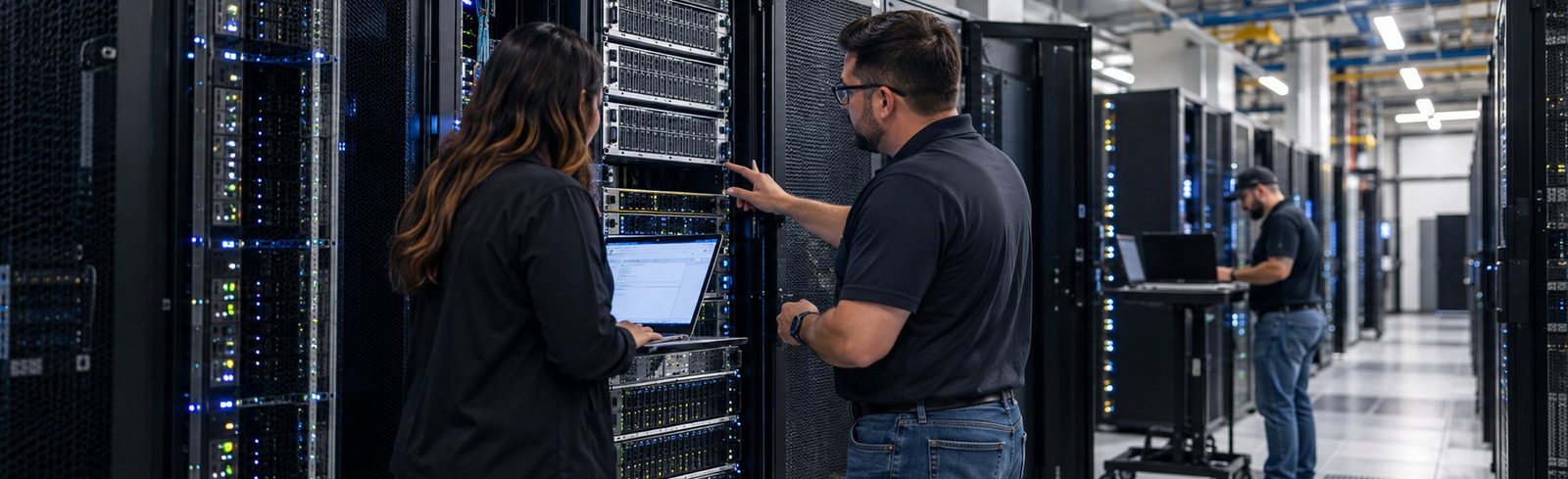
A public research university in East Texas was combining its IT systems with a partner institution. That meant a university data center refresh with minimal downtime. So Weaver designed and delivered new Dell production and VDI clusters, all running VMware.
The challenge: two institutions, one IT environment
The university is a public research university in East Texas. It has a strong reputation for high-quality education and for fostering innovation in its region. Recently, it began consolidating with a partner institution.
To make that work, the IT systems of both institutions had to come together. The goal was continuity for the campus, plus better overall efficiency. However, that meant a full university data center refresh. The existing infrastructure had to go, and downtime had to stay minimal. Both institutions needed to keep running throughout the transition.
Our approach to a university data center refresh
The university selected Weaver, in partnership with Dell Technologies, for its subject matter expertise and HUB credentials. As a Dell Titanium Partner, Weaver could bring the right people and products to a complex build. Still, we started with the requirements, not a product list.
First, our team worked through the design with university IT. Next, we reached agreement on the final build. Then we planned a migration that would keep downtime to a minimum for both institutions. Finally, we moved workloads onto the new platform over several months.
What Weaver delivered
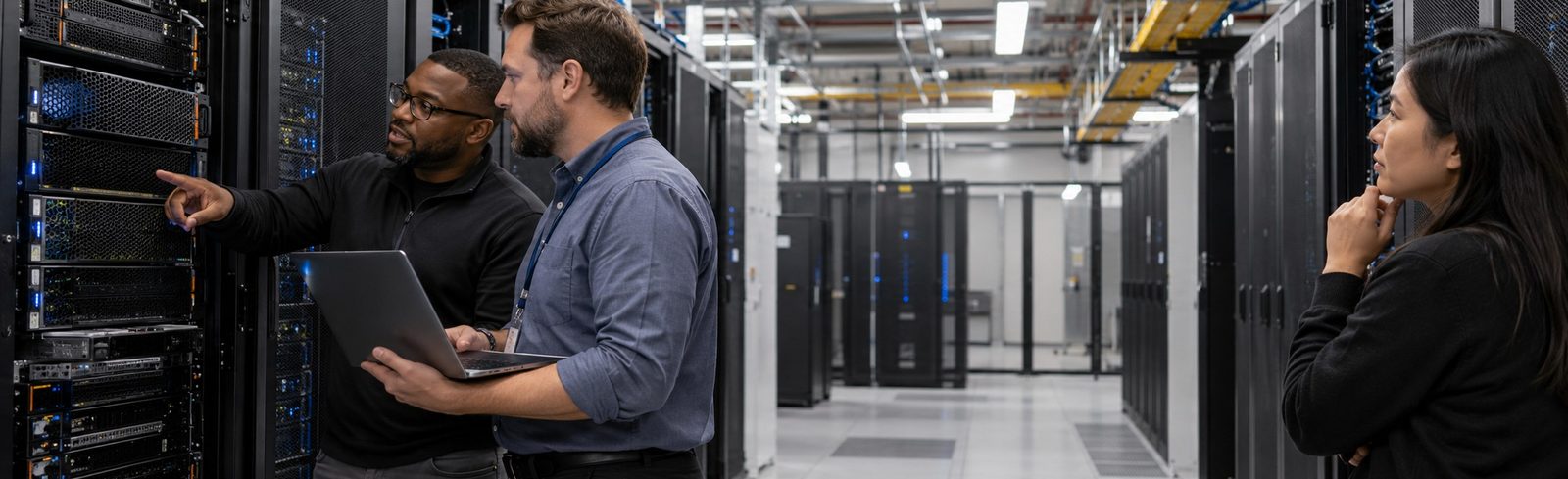
- Production cluster. We built it on Dell PowerEdge MX blade servers with a PowerStore storage array.
- Virtual desktop infrastructure. A second PowerEdge MX with PowerStore now hosts a dedicated VDI environment.
- VMware across both clusters. One virtualization platform supports a smooth migration and simpler lifecycle management.
- Careful migration. We moved workloads with minimal downtime, so both institutions kept operating.
- Design, deployment and support. Weaver handled the architecture and deployment, then stayed on for ongoing support.
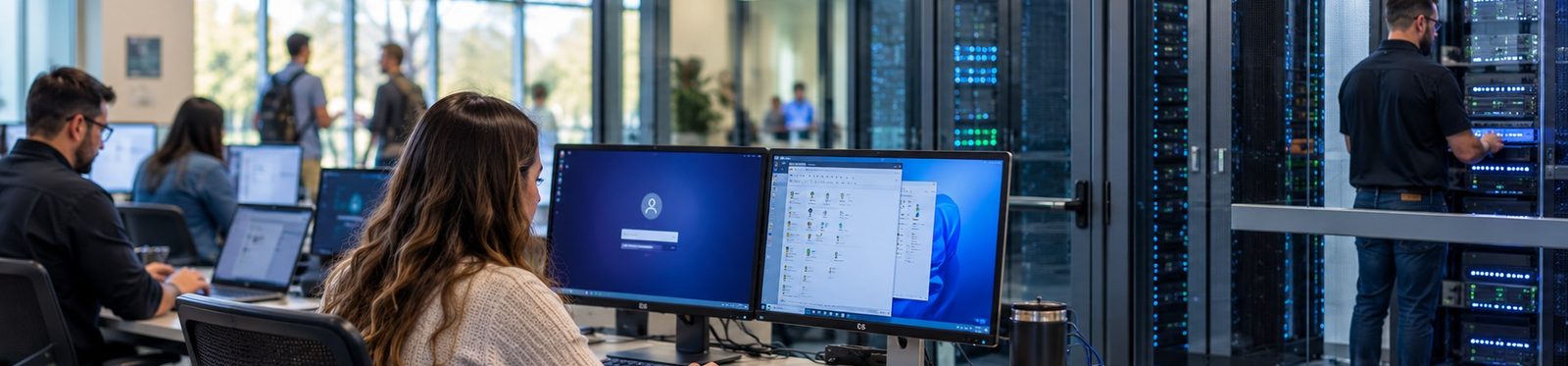
Results of the university data center refresh
The new data center technologies gave the university a stable and efficient IT infrastructure. The improvement showed up right away. Downtime dropped, and system performance got better.
Over time, the platform should also make lifecycle management easier. In addition, it should need minimal IT oversight. As a result, the university data center refresh supports both institutions today and gives them a scalable foundation for what comes next.
A common challenge in higher education
When institutions consolidate or affiliate, their IT environments rarely line up. For that reason, a planned refresh is often the most reliable way to bring systems together without interrupting operations. The key is to design and agree on the build before migration begins. A university data center refresh built on Dell Technologies compute and storage, with one virtualization platform, gives both sides a common foundation.
Bringing IT environments together?
Weaver can assess both environments and design a refresh and migration plan that keeps downtime to a minimum. Talk with our team, or browse more case studies.